Features
Three tools.
One icon.
01
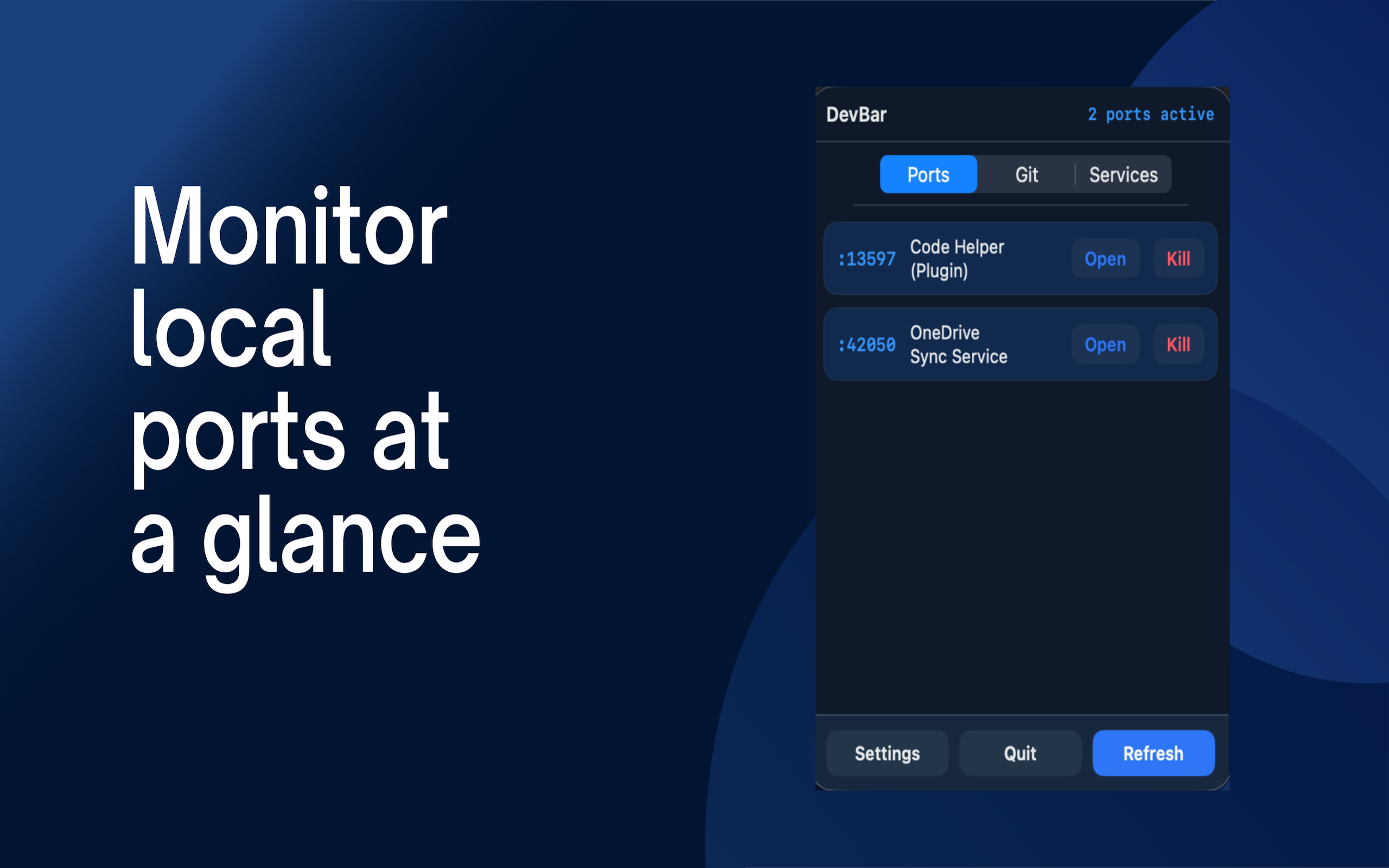
Localhost Port Scanner
REAL-TIME
See every active port on your machine at a glance. DevBar continuously scans and surfaces the process name, PID, and protocol for each listener — so you always know what's running, and what's left running by accident.
- Live scan — updates every few seconds
- Kill a process without opening Terminal
- Open localhost:PORT directly in the browser
- See the process name, not just the port
- Color-coded by status
02
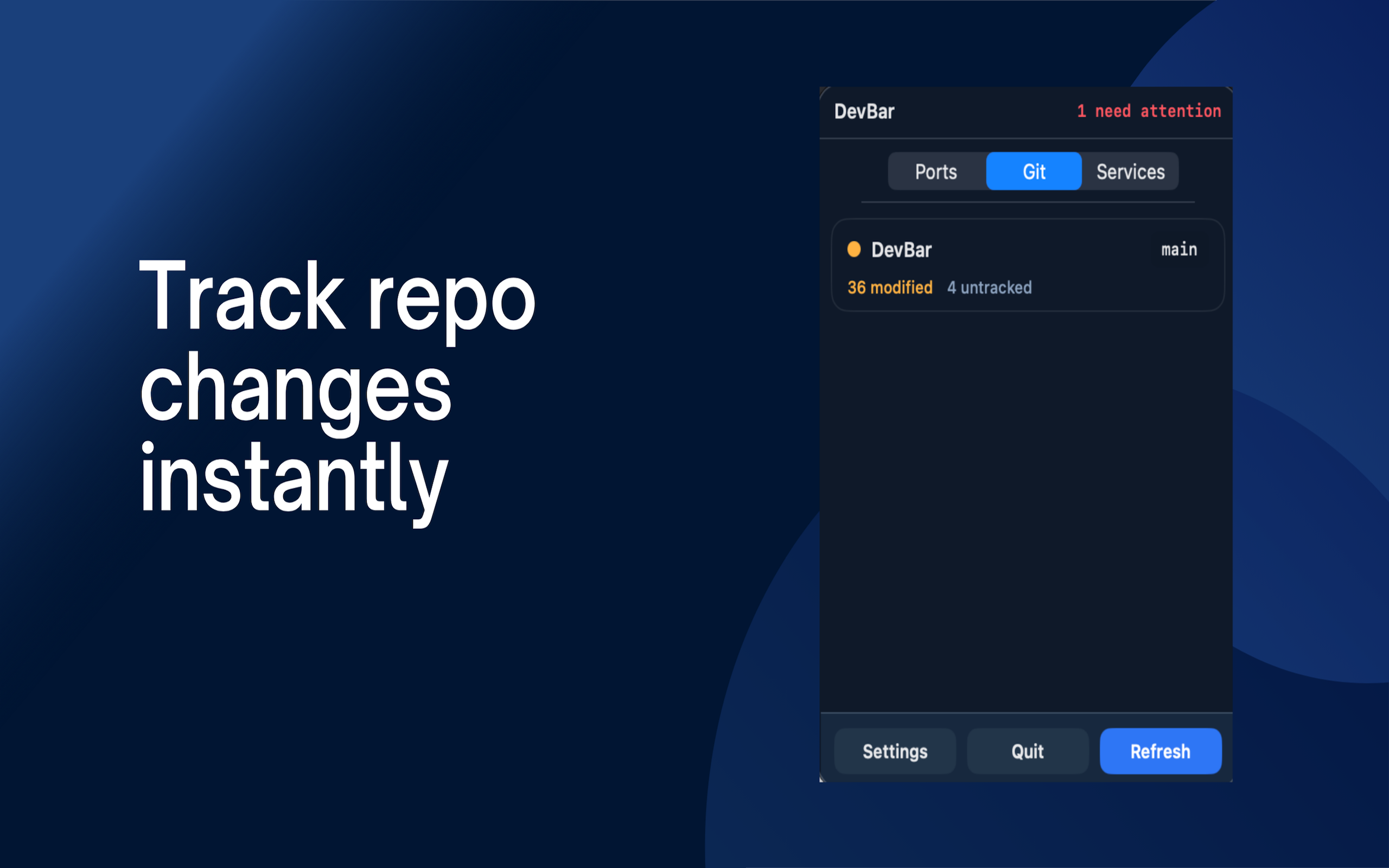
Git Repository Status
ALL YOUR REPOS
DevBar watches all your git repositories at once. Uncommitted changes, commits ahead of remote, merge conflicts — surfaced immediately, without having to cd into every project folder.
- Watch multiple repos simultaneously
- Dirty working tree warnings
- Ahead / behind remote tracking
- Current branch shown at a glance
- Open in Terminal or editor directly
03
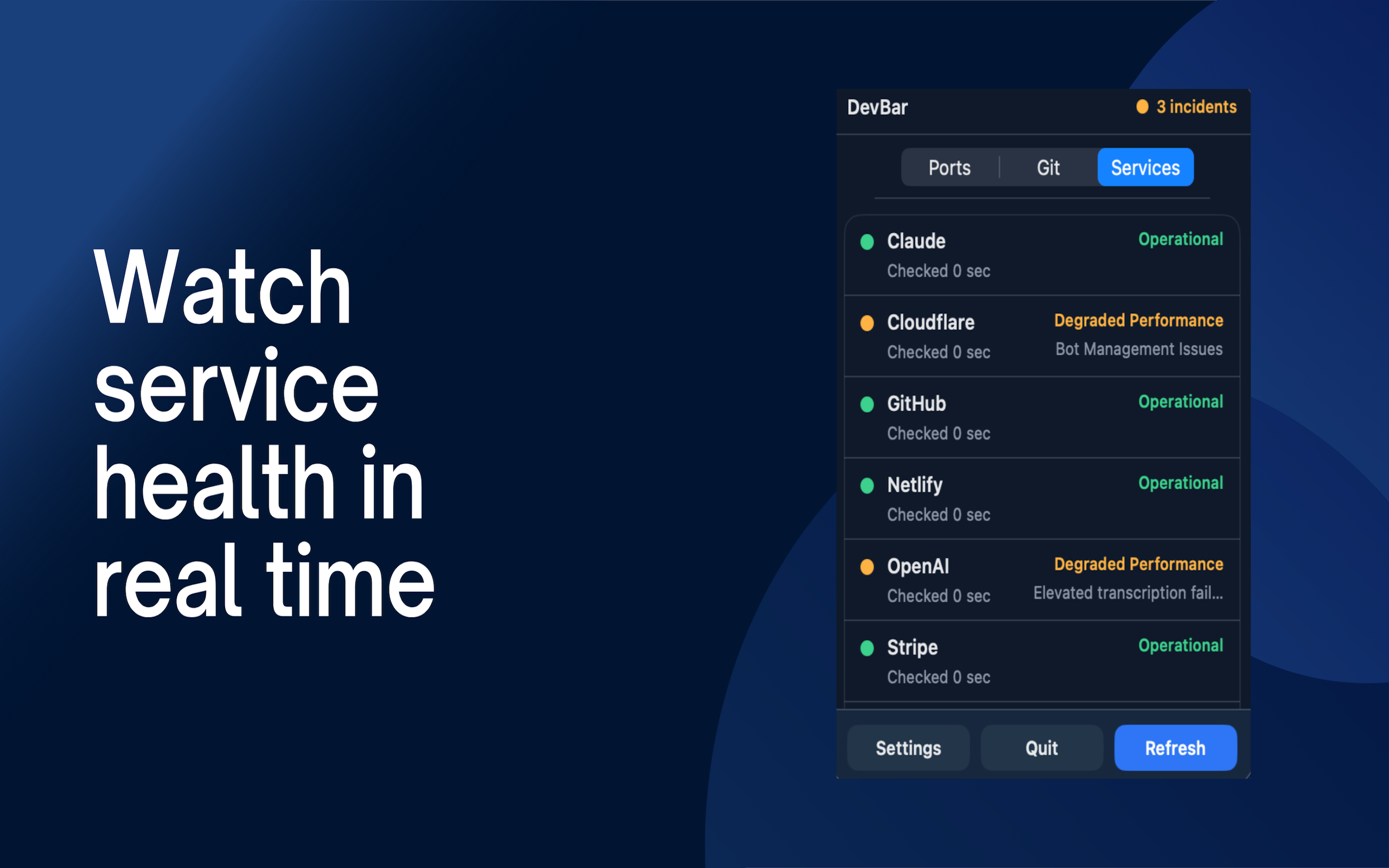
Service Health Monitor
LIVE PING
Before you blame your code, know if GitHub is down. DevBar pings the services you depend on — GitHub, Vercel, Cloudflare, Supabase, and more — and shows you response time and status in real time.
- GitHub, Vercel, Cloudflare, Supabase
- Response time in milliseconds
- Instant degraded / down detection
- Custom services support
- Menu bar badge on incidents