Right-click. Convert. Done.
Convert any file directly from Finder — images, videos, PDFs, audio, and more. Over 60 formats, 120+ operations. No cloud, no subscriptions. Just native macOS.
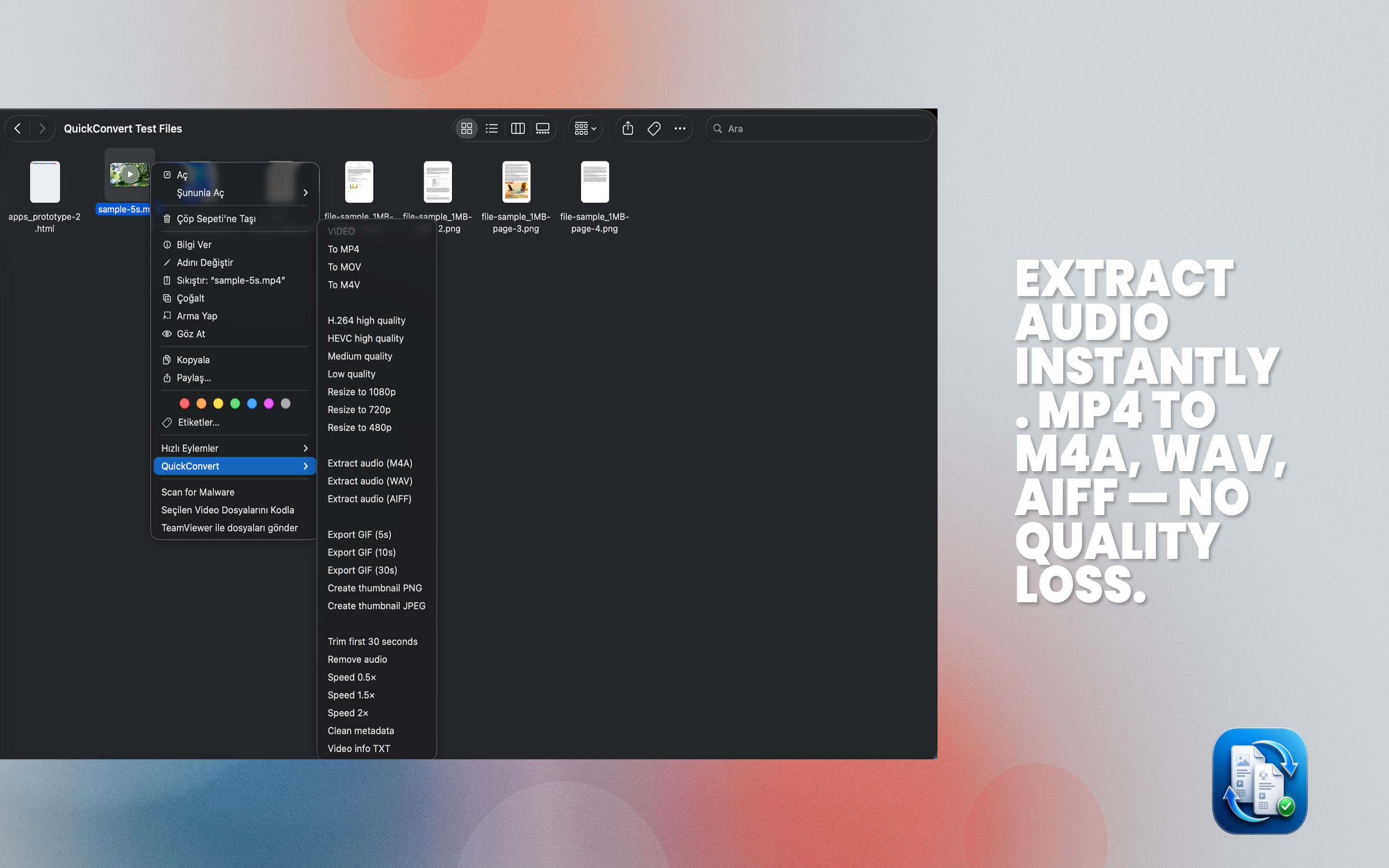
No app to open. No drag and drop. Right-click any file in Finder, hover over QuickConvert, and pick your output. MP4, MOV, M4V, GIF — along with quality presets, resize options, and audio extraction. It just works.
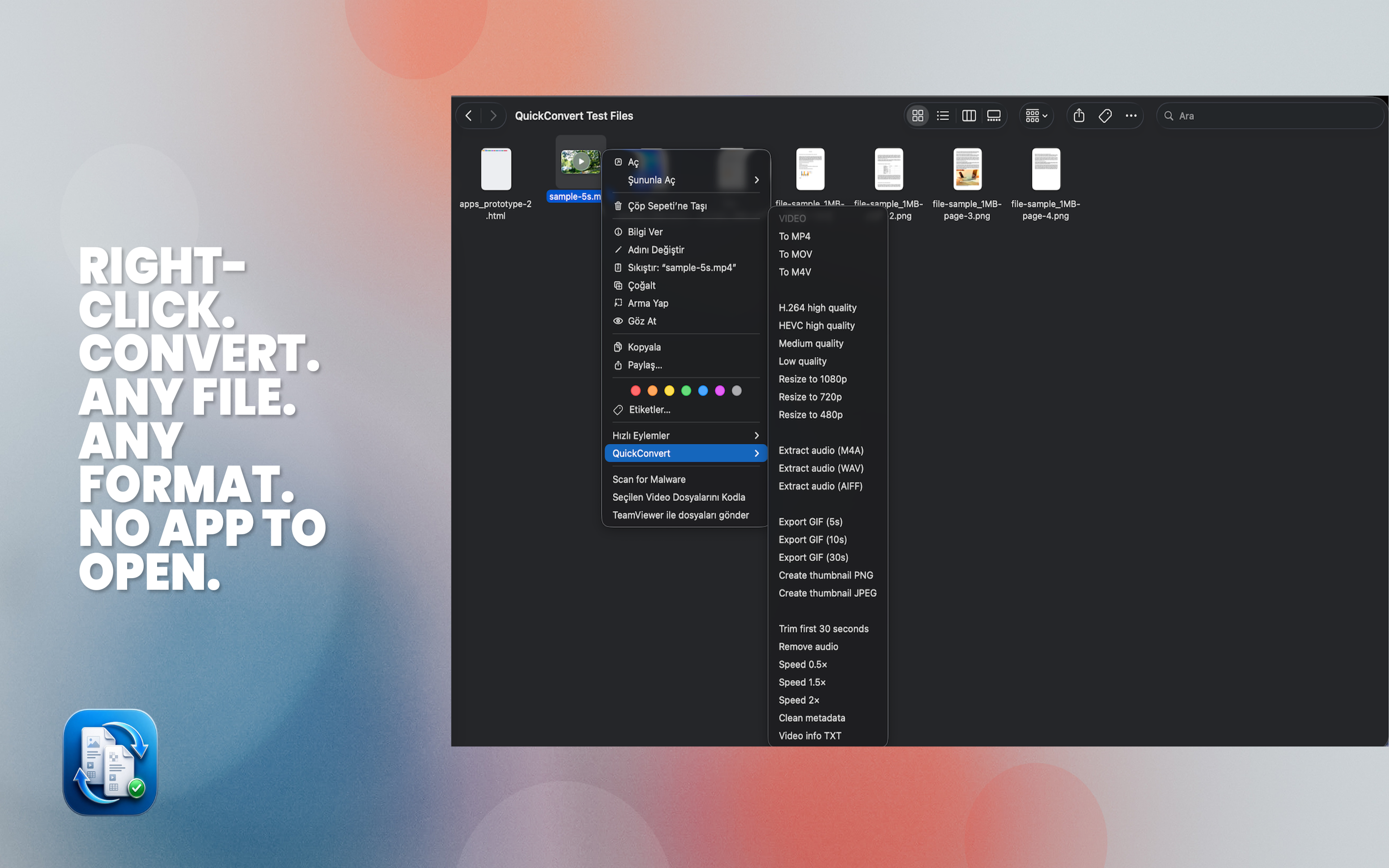
Compress, split, rotate, watermark, convert, and clean metadata — all from a single right-click. No Acrobat required. No upload to someone's server. Every PDF operation runs entirely on your Mac.
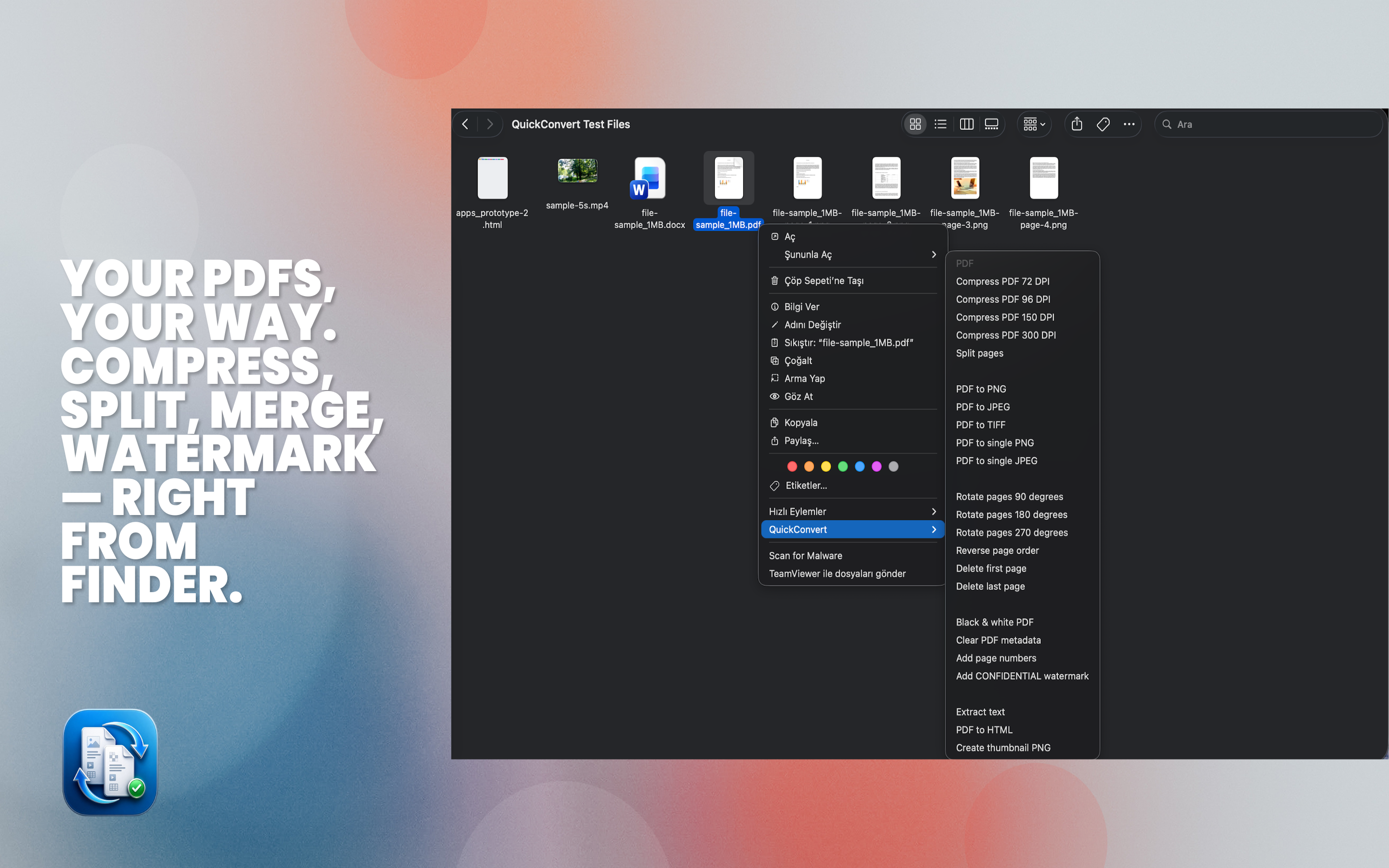
Pull audio from any video file in seconds. M4A, WAV, AIFF — full quality, no re-encoding artifacts. Perfect for podcasters, musicians, and anyone who needs the audio track without the video wrapper.
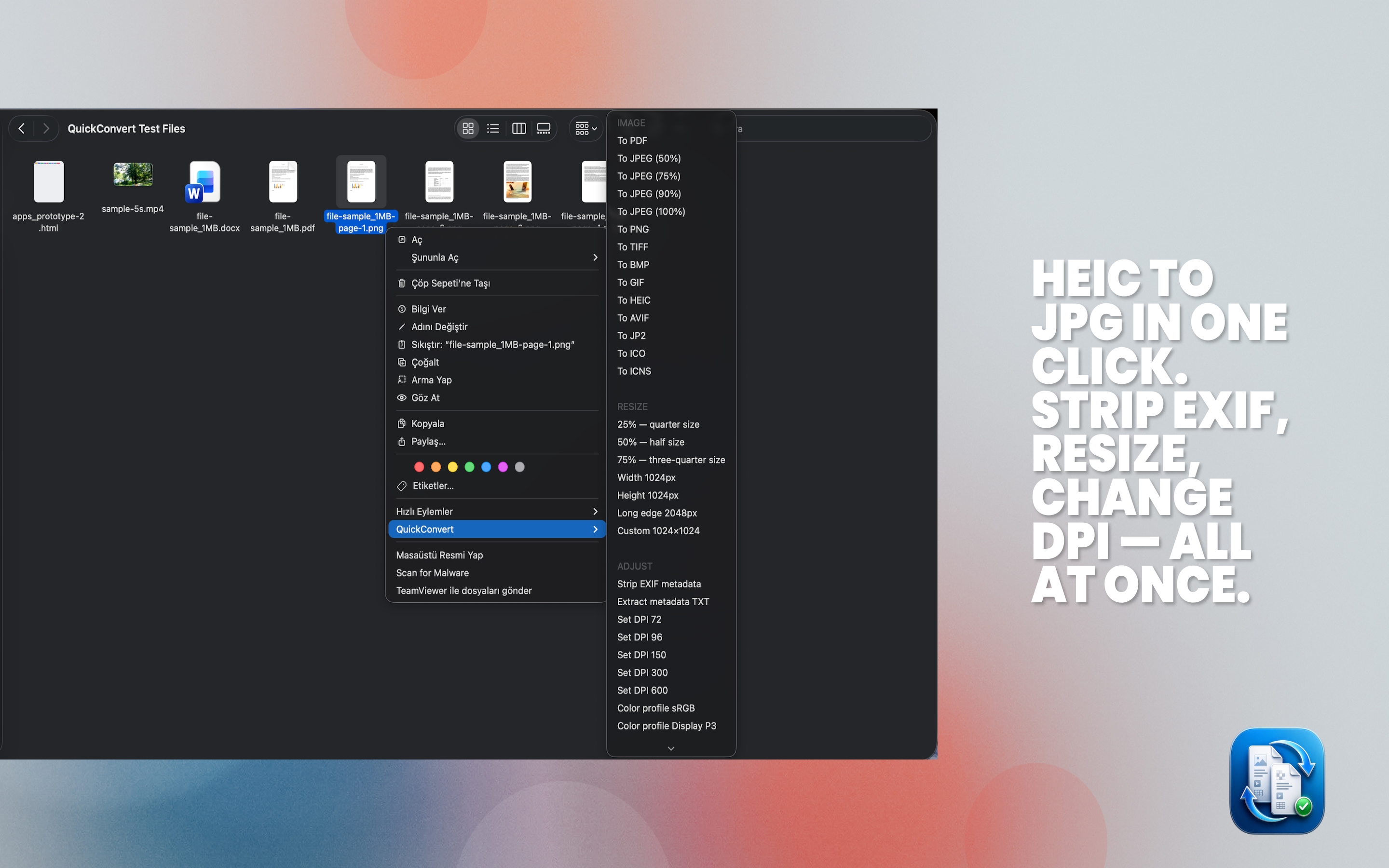
Convert between any image format — HEIC, PNG, JPEG, TIFF, BMP, GIF, AVIF, ICNS and more. Strip EXIF metadata, resize to exact dimensions, set DPI, and change color profiles. All at once.
A tiny menu bar icon shows your conversion history at a glance. See what completed, find the output file, and clear the list when done. QuickConvert stays out of your way until you need it.
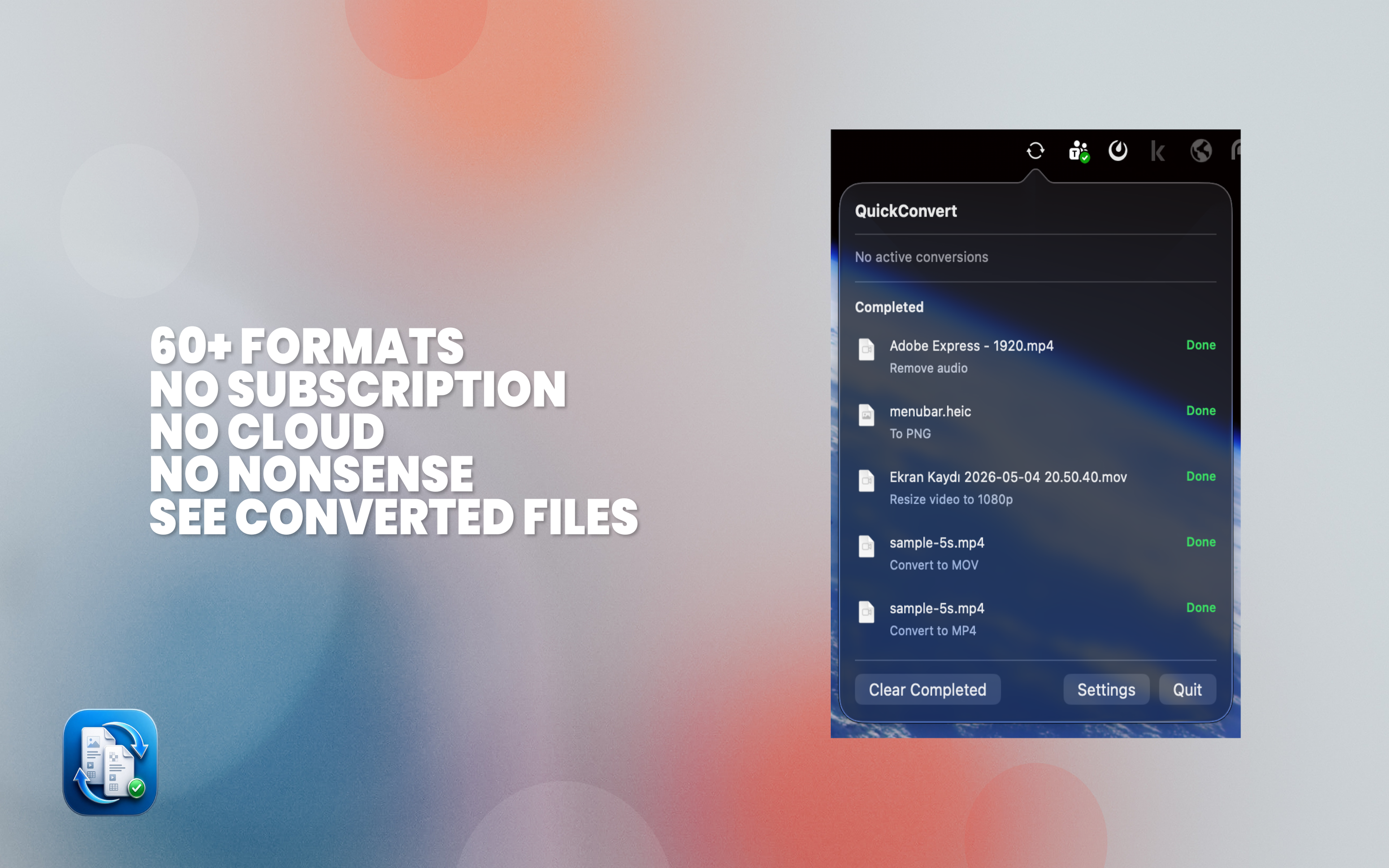
Every conversion uses native Apple frameworks — AVFoundation, Core Image, PDFKit. No FFmpeg binary, no third-party libraries bundled. Just the APIs Apple ships with macOS.
Select one or multiple files in Finder. Right-click and hover over QuickConvert in the context menu. No app window to open, no drag-and-drop target to find.
Choose from format conversions, compression settings, resize options, metadata operations, and more. The menu adapts based on what type of file you've selected.
The converted file is placed in the same folder, named clearly. Check progress in the menu bar icon. Your original is always kept untouched.
| Feature | QuickConvert | CloudConvert | Online converters |
|---|---|---|---|
| Works offline | ✓ Always | ✕ Requires internet | ✕ Requires internet |
| Files stay on your Mac | ✓ 100% local | ✕ Uploaded to servers | ✕ Uploaded to servers |
| Subscription required | ✓ One-time purchase | ✕ Monthly fee | ✕ Often subscription |
| Finder integration | ✓ Native right-click | ✕ Browser only | ✕ Browser only |
| Batch conversion | ✓ Select multiple files | ~ Paid plans only | ✕ Rarely |
| Uses native Apple APIs | ✓ AVFoundation, PDFKit | ✕ Server-side tools | ✕ Server-side tools |
| No account needed | ✓ Zero sign-up | ✕ Account required | ~ Sometimes |
One-time purchase. No subscriptions. Works offline. Available now on the Mac App Store.